Mythic Naturecore
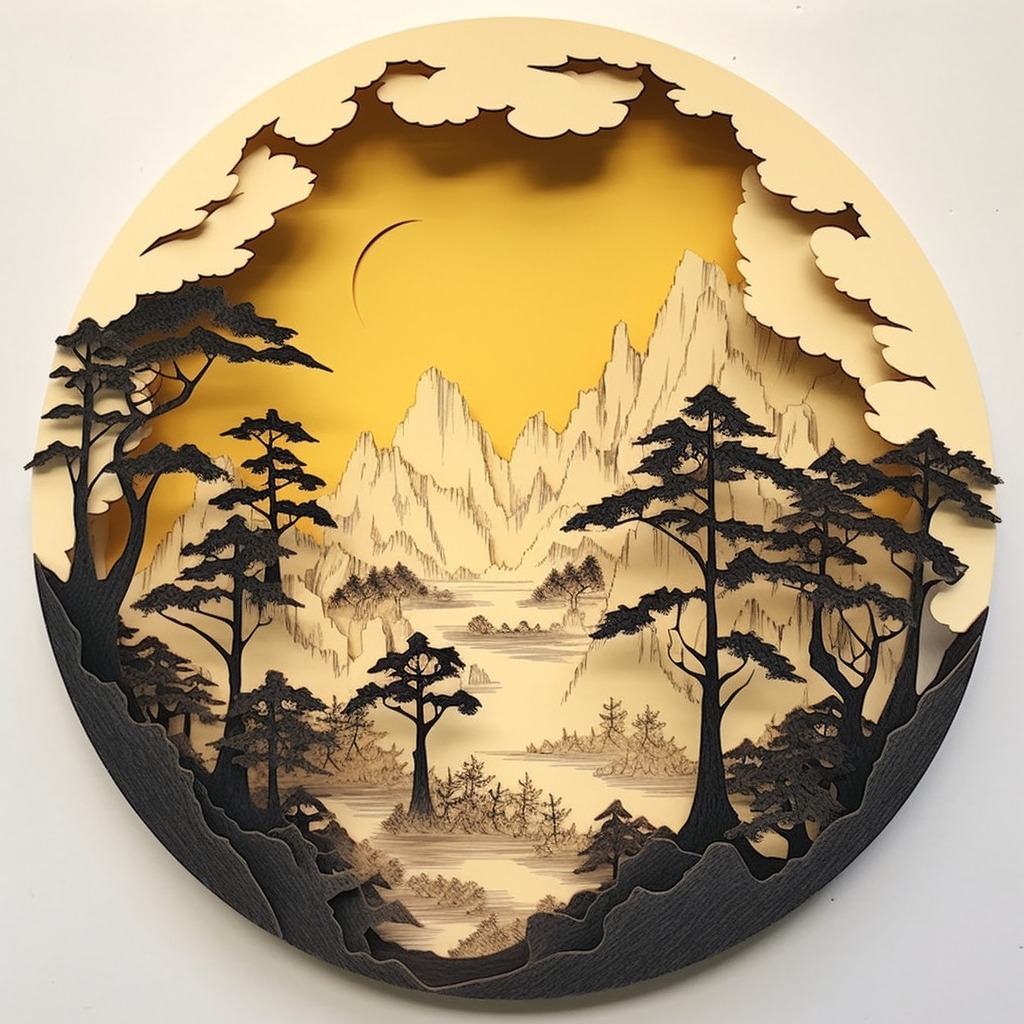
提示词内容
Recreate a high-fidelity, premium interactive landing page named "Reverie" using React, TypeScript, and a combination of Tailwind CSS and inline styles. The project must have a smooth, hardware-accelerated scroll-linked animation system, 3D/parallax mouse-tracking effects, responsive layouts, and elegant micro-animations.

---

1. Typography & Global Styles

- Fonts:
  - Load the following Google Fonts:
    - Headers: `'Viaoda Libre', serif` (elegant serif font).
    - Body, nav links, and captions: `'Imprima', sans-serif` (clean, sleek sans-serif font).
- Global Reset & Base CSS:
  - `html, body { margin: 0; padding: 0; background: #0a0608; scroll-behavior: auto; }`
  - Body font should default to `'Imprima', sans-serif`.
  - Add `scrollbar-gutter: stable;` to the `html` tag to prevent layout shifts.
  - Include an animation utility:
    ```css
    @keyframes bobUp {
      0%, 100% { transform: translateY(0); }
      50% { transform: translateY(-6px); }
    }
    ```

---

2. Assets Asset Mapping

Define these exact asset constants at the top of the file:
```typescript
const PORTAL_BG = 'https://res.cloudinary.com/dsdhxhhqh/image/upload/v1779974947/portal_bg_mu60k9.png';
const CURTAIN_LEFT = 'https://res.cloudinary.com/dsdhxhhqh/image/upload/v1779975070/curtain_left_cdht6q.png';
const CURTAIN_RIGHT = 'https://res.cloudinary.com/dsdhxhhqh/image/upload/v1779975071/curtain_right_a9bn3i.png';
const WORLD_BG = 'https://res.cloudinary.com/dsdhxhhqh/image/upload/v1779975077/world_bg_jzzcn1.jpg';

// The cards MUST remain in this exact order (Card 3, Card 1, Card 2)
const CARD_IMAGES = [
  'https://res.cloudinary.com/dsdhxhhqh/image/upload/v1779975070/card_3_nbwm25.jpg',
  'https://res.cloudinary.com/dsdhxhhqh/image/upload/v1779975070/card_2_wr6al6.jpg', // Representing Card 1
  'https://res.cloudinary.com/dsdhxhhqh/image/upload/v1779975070/card_1_jz8otj.jpg', // Representing Card 2
];
```

---

3. State Management & Mathematical Helpers

- Math Utilities:
  - Easing curve: `easeInOut(t) = t < 0.5 ? 2 * t * t : -1 + (4 - 2 * t) * t`
  - Linear Interpolation: `lerp(a, b, t) = a + (b - a) * t`
  - Constraint: `clamp(val, min, max) = Math.max(min, Math.min(max, val))`
- Parallax Magnitudes:
  - `MAG.world = 6`, `MAG.portal = 7`, `MAG.curtainL = 14`, `MAG.curtainR = 14`
- Hook for Responsiveness:
  - Implement a `useIsMobile()` hook responding to media query max-width of `767px` to dynamically update layouts.
- Scroll Tracking:
  - The page height must be exactly `480vh`. Inside, a single sticky container spans `100vh`.
  - Calculate normalized `scrollProgress` from `0` to `1` by reading window scroll position relative to the scrollable height.
- Smooth Mouse Tracking (Parallax):
  - Normalize coordinates `rx`, `ry` between `-1` and `1` relative to the center of the viewport.
  - Implement a `requestAnimationFrame` render loop (`tick`) to smoothly interpolate current position towards target cursor position (lerp step speed: `0.07`) to eliminate frame-rate stutters.
- Entrance Animation Delays:
  - On mount, transition curtains open after `100ms`, fade UI in after `600ms`. Disable entry CSS transitions after `2200ms` so mouse movement doesn't experience lag or delay.

---

4. Animation Timelines (Scroll & Mouse Parallax)

Apply these precise styling updates in the render loop on every frame:
1. World Layer (`WORLD_BG`):
   - Scale: Lerps from `1` (at start) to `1.18` (at maximum scroll).
   - Parallax: `transform = scale(${scale}) translate3d(${rx * 6}px, ${ry * 6}px, 0)`
2. Portal Frame (`PORTAL_BG`):
   - Scale: Lerps from `1` to `7.5` (creating an immersive zoom-through effect).
   - Origin: `52% 38%`
   - Opacity: Starts at `1`, fades out after `65%` scroll: `clamp(1 - (scrollProgress - 0.65) / 0.2, 0, 1)`
   - Parallax: `transform = scale(${scale}) translate3d(${rx * 7}px, ${ry * 7}px, 0)`
3. Curtain Left (`CURTAIN_LEFT`):
   - Initial Opening Offset: `62%` shift left.
   - Scroll Offset: Moves further leftward up to `150%` as eased progress goes `0` to `1`.
   - Curtain Scroll Scale: Lerps from `1` to `1.3`.
   - Parallax & GPU Layer: `transform = translateX(calc(-${totalShift}% + ${rx * 14}px)) translateY(${ry * 14 * 0.3}px) scale(${curtainScrollScale}) translateZ(0)`
4. Curtain Right (`CURTAIN_RIGHT`):
   - Symmetrically mirrors Curtain Left.
   - Parallax & GPU Layer: `transform = translateX(calc(${totalShift}% + ${rx * 14}px)) translateY(${ry * 14 * 0.3}px) scale(${curtainScrollScale}) translateZ(0)`

---

5. Layout & Components

Navigation Bar
- Position: Absolute at the top, `zIndex: 50`. Responsive padding: `18px 20px` (mobile), `22px 48px` (desktop).
- Desktop (>=768px): Split navigation.
  - Left side: Links `Worlds`, `Atelier`, `Immersions`.
  - Center: SVG Star Logo (clean star shape in path `M14 2l2.09 6.42H23l-5.45 ...` inside a `28x28` viewport).
  - Right side: Links `Craft`, `Codex`, `Connect`.
- Mobile (<768px): Centered star logo with an `Explore` link on the left and a `Connect` link on the right.
- Link Styling: uppercase, `12px`, letter spacing `0.12em`, white color with `0.9` opacity, no text decoration.

Scene 1: Hero Section (Entrance)
- Opacity: Fades out smoothly on scroll: `clamp(1 - scrollProgress / 0.22, 0, 1)`.
- Entrance Transition: Slide upward by `20px` on mount with opacity transition `0.9s ease` delayed by `300ms`.
- Responsive Layout:
  - Mobile (<768px): Center-aligned vertical column. Text is dark brown (`#3b1a0a`). Heading: `FALL › INTO REVERIE` (Viaoda Libre). Subheading paragraph (max-width `280px`). Below it, displays a single card with image `CARD_IMAGES[0]`, showing a rounded white play button icon and "View Reel".
  - Tablet (768px - 1099px): Center-aligned column. Text is dark brown (`#3b1a0a`). Headline and paragraph (max-width `400px`). Shows all 3 cards in a horizontal row:
    - Card 3: Image `CARD_IMAGES[0]`, Play button + "View Reel"
    - Card 1: Image `CARD_IMAGES[1]`, "32 World Patrons" in large elegant text
    - Card 2: Image `CARD_IMAGES[2]`, Play button + "View Reel"
  - Desktop (>=1100px): Split-screen horizontal layout. Text is white.
    - Left Container: Aligned to the left (top `46%`, left `60px`). Title: `FALL › INTO REVERIE` (Viaoda Libre). Subheading paragraph. Max-width `440px`.
    - Right Container: Aligned to the right (top `50%`, right `40px`). Row of 3 card containers (`158px x 158px`) with rounded corners (`28px`), bottom linear gradient, glassmorphic bottom blur (`backdropFilter: 'blur(6px)'`), play icon buttons or patron metrics overlay.
- Card Interactive Styling:
  - Backdrop blur filter on bottom labels: `backdropFilter: 'blur(6px)'`, linear gradient to top `rgba(0,0,0,0.72) 0%, rgba(0,0,0,0.18) 60%, transparent 100%`.
- Slider Dots (Bottom Left):
  - Absolutely positioned at bottom left (`60px` desktop, centered mobile).
  - Renders 4 horizontal pill indicators: first indicator is wide (`28px`), other three are thin (`14px`), colored in white with opacities.
- Scroll Cue (Descend):
  - Absolutely positioned at `bottom: 36px`, centered horizontally. Hidden on mobile.
  - Text: uppercase "Descend" in `10px`, letter-spacing `0.22em`, color `rgba(255,255,255,0.6)`.
  - Icon: A chevron SVG surrounded by a `34px x 34px` round circular border animated with the `bobUp 1.8s ease-in-out infinite` bounce animation.

Scene 2: Call to Action (Forge Beyond)
- Opacity: Fades in on scroll: `clamp((scrollProgress - 0.68) / 0.16, 0, 1)`.
- Layout: Centered vertical flex container (`zIndex: 46`), active only when opacity is visible.
- Content:
  - Centered text wrapper.
  - Heading: `FORGE BEYOND THE REAL` (Viaoda Libre, size clamp `38px` to `78px`, color `#ffffff`, letter spacing `0.03em`, line-height `1.05`, elegant text shadow `0 2px 20px rgba(0,0,0,0.4)`).
  - Paragraph: `Singular voyages to astonishing destinations, shaped for those who seek beauty beyond the ordinary and the known.` (Imprima, size `20px` desktop / `14px` mobile, max-width `480px` desktop / `260px` mobile, line-height `1.6`, color `rgba(255,255,255,0.82)`).
```
暂无效果展示
作者尚未提供生成效果案例;新的公开提示词需要至少添加一个案例。